
Table of contents
- The Tool Problem
- What MCP Actually Is
- Setting Up Your First MCP Server
- 1. Configure in your project
- 2. Environment variables
- 3. Verify
- The MCP Servers That Matter
- Supabase
- Slack
- Gmail / Calendar
- AgentMail
- Building a Custom MCP Server
- Patterns and Anti-Patterns
- Do: Keep servers focused
- Do: Use environment variables for secrets
- Don't: Expose destructive tools without guardrails
- Don't: Assume availability
- Do: Monitor tool usage
- What MCP Enables
- Getting Started
The Tool Problem
Your AI agent can write code, reason about architecture, and debug complex systems. But it can't check your calendar, read a Slack thread, query your database, or deploy to production. Not because it lacks intelligence — because it lacks access.
This is the tool problem. And MCP (Model Context Protocol) is the best solution we have right now.
What MCP Actually Is
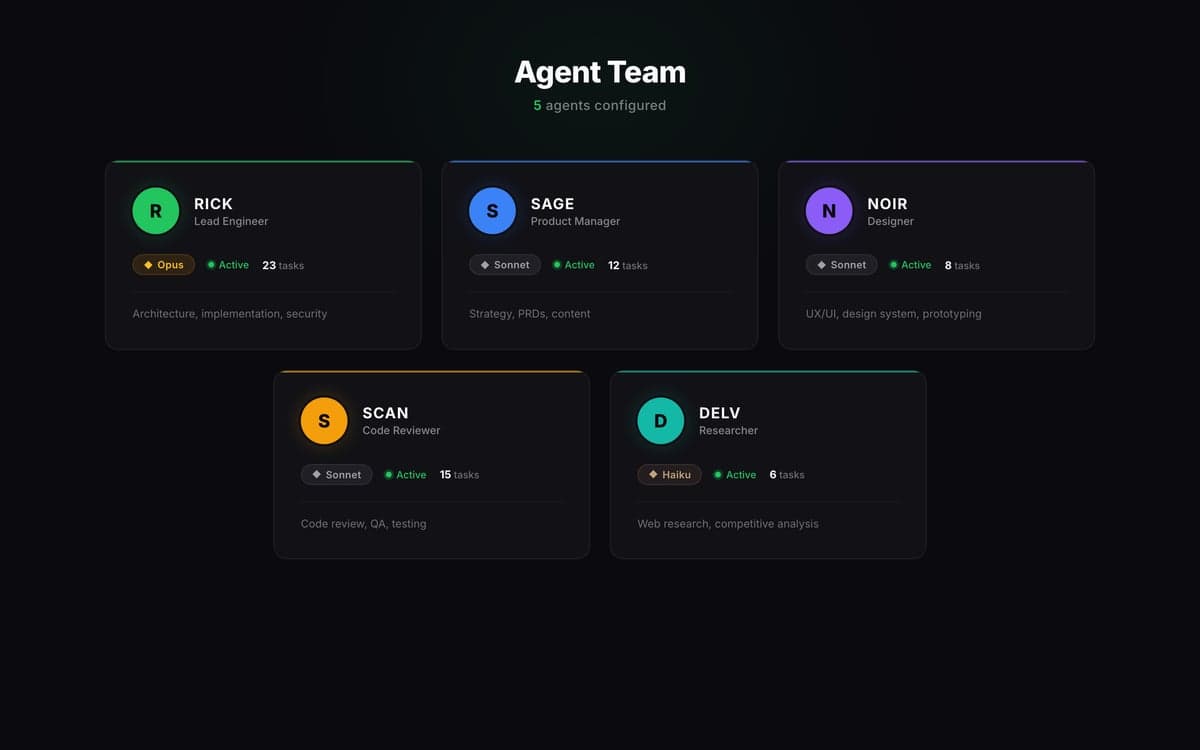
MCP is a protocol that lets AI agents call external tools through a standardized interface. Instead of building custom integrations for every service your agent needs to access, you run MCP servers that expose tools the agent can discover and call.
Think of it like USB for AI agents. The agent doesn't need a custom driver for each device. It plugs into the MCP server, discovers what tools are available, and uses them.
The architecture:
Agent (Claude Code, etc.)
  └── MCP Client (built into the agent framework)
        ├── MCP Server: Supabase (SQL, migrations, tables)
        ├── MCP Server: Slack (messages, channels, search)
        ├── MCP Server: Gmail (read, send, drafts)
        ├── MCP Server: GitHub (repos, PRs, issues)
        └── MCP Server: Custom (your own tools)
Each MCP server is a separate process that the agent communicates with over stdio or HTTP. The servers are independently deployable, independently updateable, and share nothing with each other.
Setting Up Your First MCP Server
The fastest path to MCP is using an existing server. Anthropic maintains official servers for popular services, and the community has built dozens more.
1. Configure in your project
MCP servers are configured in .mcp.json at the root of your project:
{
  "mcpServers": {
    "supabase": {
      "command": "npx",
      "args": ["-y", "@anthropic-ai/mcp-supabase"],
      "env": {
        "SUPABASE_URL": "${SUPABASE_URL}",
        "SUPABASE_SERVICE_ROLE_KEY": "${SUPABASE_KEY}"
      }
    },
    "slack": {
      "command": "npx",
      "args": ["-y", "@anthropic-ai/mcp-slack"],
      "env": {
        "SLACK_BOT_TOKEN": "${SLACK_BOT_TOKEN}"
      }
    }
  }
}
2. Environment variables
Each server reads its credentials from environment variables. Set these in your shell profile or .env.local:
export SUPABASE_URL="https://your-project.supabase.co"
export SUPABASE_KEY="your-service-role-key"
export SLACK_BOT_TOKEN="xoxb-your-bot-token"
3. Verify
Start your agent (Claude Code, or whichever framework you use). The MCP servers start automatically. The agent should be able to discover tools like execute_sql, list_tables, slack_send_message, etc.
That's it. No SDK to install, no API wrappers to write, no auth flows to implement. The MCP server handles all of it.
The MCP Servers That Matter
After six months of running MCP in production, here are the servers that have proven most valuable:
Supabase
The most-used MCP server in our stack. Gives the agent direct access to:
- execute_sql — Run arbitrary SQL queries
- apply_migration — Apply schema changes
- list_tables — Discover database structure
- list_migrations — See what's been applied
This eliminates the most common friction point in agent-assisted development: the agent can read and modify the database directly, without you needing to copy-paste SQL or manually run migrations.
Slack
The communication backbone:
- read_channel — Pull context from conversations
- send_message — Post updates, reports, notifications
- search_public — Find historical discussions
We use this for overnight build reports, daily summaries, and blog post notifications. The agent posts a summary when it completes work, so you can check Slack instead of tailing a log.
Gmail / Calendar
Useful for agents that manage scheduling and communication:
- list_events — Check availability
- create_event — Schedule meetings
- search_messages — Find email context
Less critical for pure engineering agents, essential for PM or administrative agents.
AgentMail
For agents that need their own email identity:
- send_message — Send email as the agent
- list_inboxes — Manage agent-specific inboxes
- reply_to_message — Respond to incoming mail
This matters when agents interact with external parties — sending reports, responding to inquiries, or managing follow-ups.
Building a Custom MCP Server
Sometimes the tools you need don't have an existing server. Building one is straightforward.
An MCP server is a Node.js (or Python) process that:
- Declares what tools it exposes
- Handles tool calls and returns results
- Communicates over stdio or HTTP
Here's a minimal example in TypeScript:
import { McpServer } from '@modelcontextprotocol/sdk/server/mcp.js';
import { StdioServerTransport } from '@modelcontextprotocol/sdk/server/stdio.js';

const server = new McpServer({ name: 'my-tools', version: '1.0.0' });

server.tool('get_weather', { city: 'string' }, async ({ city }) => {
  const response = await fetch(`https://api.weather.com/${city}`);
  const data = await response.json();
  return { content: [{ type: 'text', text: JSON.stringify(data) }] };
});

const transport = new StdioServerTransport();
await server.connect(transport);
Register it in .mcp.json:
{
  "mcpServers": {
    "weather": {
      "command": "node",
      "args": ["./mcp-servers/weather.js"]
    }
  }
}
The entire implementation is under twenty lines. The protocol handles discovery, serialization, and error handling.
Patterns and Anti-Patterns
Do: Keep servers focused
One server per service. Don't build a mega-server that wraps Slack, GitHub, and your database. Focused servers are easier to debug, update, and permission-control.
Do: Use environment variables for secrets
Never hardcode API keys in MCP server config. Use ${ENV_VAR} references. This keeps secrets out of version control and makes it easy to swap credentials between environments.
Don't: Expose destructive tools without guardrails
An agent with DROP TABLE access will, eventually, drop a table. Scope the permissions appropriately. Read access is usually safe to grant broadly. Write access should be scoped to specific operations.
Don't: Assume availability
MCP servers can fail — the process crashes, the API is down, the auth token expires. Your agent's workflow should handle MCP tool failures gracefully, not crash on the first timeout.
Do: Monitor tool usage
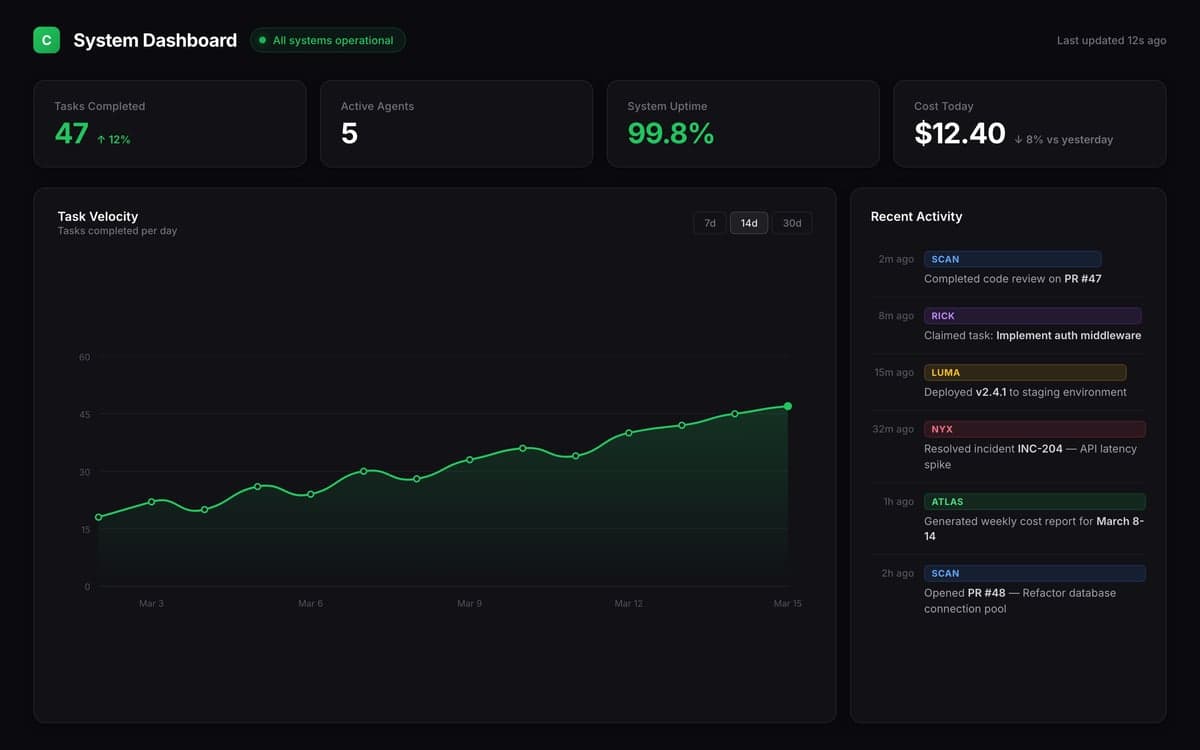
Log which MCP tools are called, how often, and what they cost. This data informs optimization: if your agent calls execute_sql forty times per session, maybe it needs a higher-level query abstraction.
What MCP Enables
The real value of MCP isn't any single tool. It's the compound effect of giving your agent access to the full surface area of your workflow.
An agent with Supabase + Slack + GitHub access can:
- Read a task description from the database
- Check Slack for additional context
- Implement the solution
- Create a PR on GitHub
- Post a summary to Slack
- Update the task status in the database
That's an end-to-end workflow that previously required a human to context-switch between six different tools. The agent moves between them seamlessly because MCP provides a unified interface.
Getting Started
If you haven't tried MCP yet:
-
Start with Supabase. If you use Supabase, the MCP server gives your agent superpowers overnight. Database queries, migrations, and schema exploration — all accessible from the agent's context.
-
Add Slack second. The ability for agents to post updates and read context from Slack channels transforms the feedback loop.
-
Build custom servers last. Only when existing servers don't cover your use case. The community library is growing fast.
The setup takes fifteen minutes. The productivity gain is permanent.
Celune integrates MCP natively — agents get access to your connected services through pre-configured MCP servers, with permission controls per agent role. No custom setup required.
Written by Celune Team